
Can You Use a Smart Trainer Without a Subscription
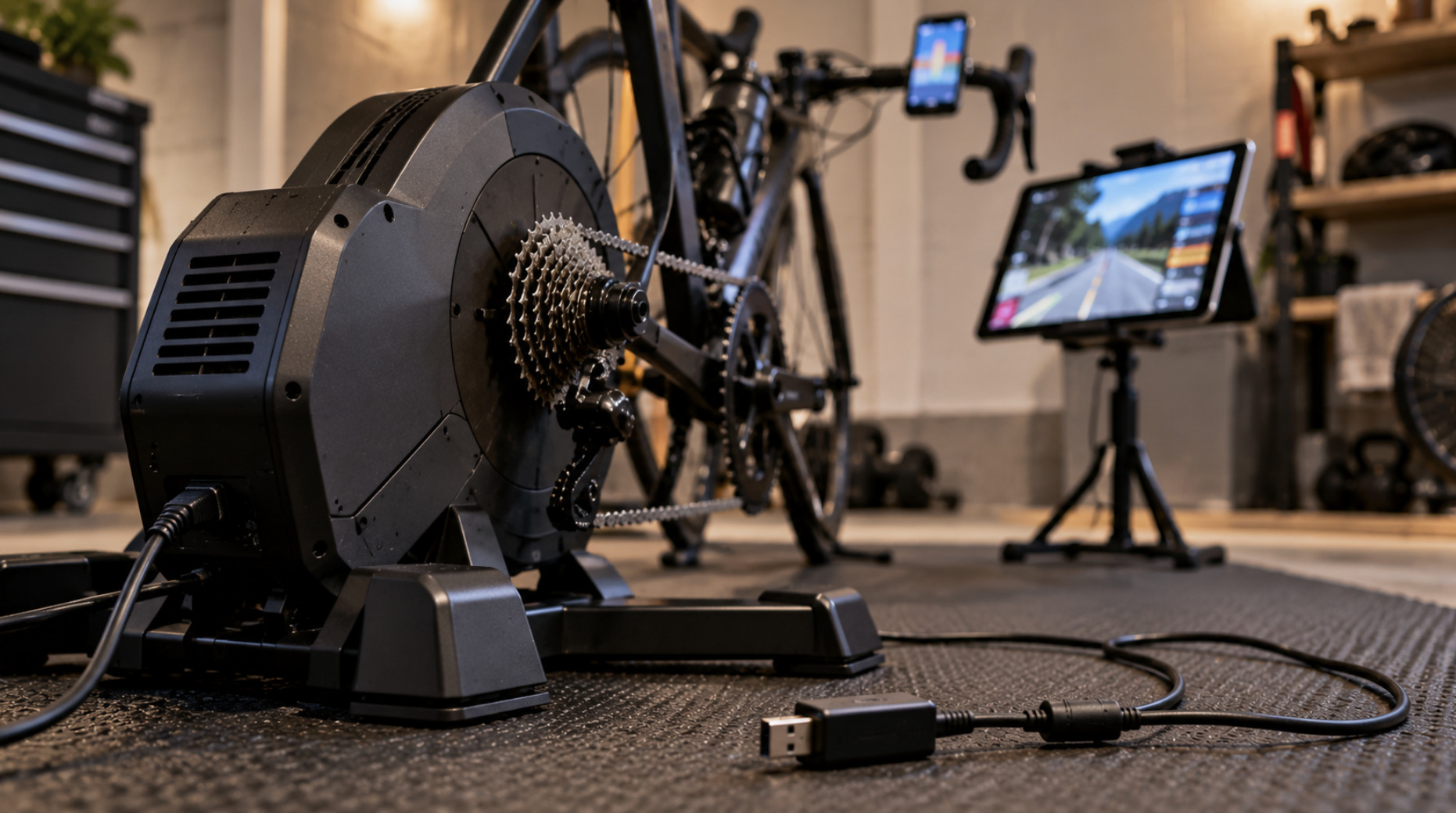
Yes. A smart trainer is a piece of hardware, and it works without Zwift, Rouvy, TrainerRoad or any other paid platform. Without an app it behaves like a conventional trainer: you pedal against resistance and change the effort with your bike's gears. What a subscription adds is control and context: the app can set the resistance automatically, simulate hills, run structured workouts and put you in a virtual world with other riders. Many of those functions are now also available for free, through the trainer manufacturer's own app, a GPS bike computer, open-source software or free platforms such as MyWhoosh.
The question to ask is not "Can I ride without a subscription?" but "Which of the paid features do I actually use?" For many riders heading indoors for a Canadian winter, the honest answer is fewer than they expect.
What the trainer does on its own
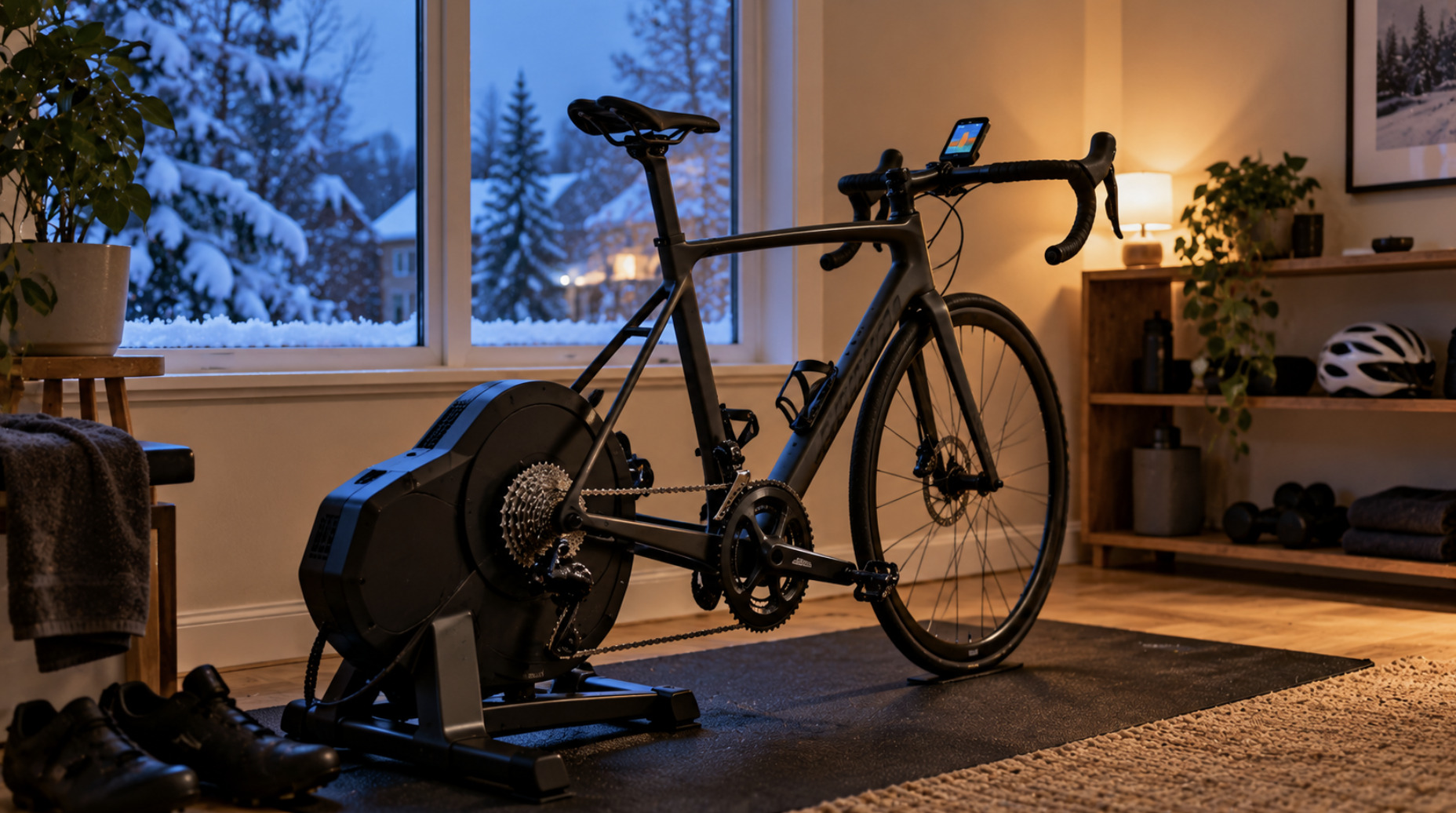
A smart trainer combines three things: a resistance unit (usually an electromagnetic brake), sensors that measure your speed, cadence and usually power, and a wireless connection that lets another device read those numbers and send commands back.
When nothing is connected, the trainer still has a resistance unit, and most smart trainers fall back to a default behaviour: resistance rises as you pedal faster, roughly like a basic fluid or magnetic trainer. You shift gears to make it harder or easier. You get a good workout, but you have no power readings and no automatic changes in resistance.
The "smart" part only becomes useful once a device is connected. That device does not have to be a paid service. It can be:
a free app, from the trainer manufacturer or a third party,
a GPS bike computer that you already own,
a watch, for basic data recording,
free desktop software,
a free virtual platform.
Three modes, and why they matter
Before choosing a setup, it helps to understand the three ways a trainer can be controlled, because that is where the difference between free and paid options actually shows.
Standalone (no control). Resistance follows the trainer's default curve. You control effort through your gears and cadence. Every trainer can do this.
ERG mode. You (or a workout) set a target wattage, and the trainer adjusts resistance to hold it, whatever your cadence or gear. Pedal slower and the resistance rises; pedal faster and it drops. ERG mode is what makes structured interval training indoors so precise, and it is the mode most used for workouts.
Simulation mode (also called slope or SIM mode). The app sends a virtual gradient, wind and rider weight, and the trainer adjusts resistance to feel like riding that terrain. You shift gears as you would outdoors. This is what makes virtual worlds feel like riding a real course.
Virtual shifting is a newer layer on top. Instead of moving the chain on your real cassette, buttons on the handlebar tell the app to change the simulated gear, and the trainer changes resistance accordingly. It depends heavily on the specific trainer, controllers and app, so check compatibility carefully before relying on it.
Most of the paid features you see advertised are combinations of these modes with content: workout libraries, training plans, routes and social features. The modes themselves are part of the trainer's standard protocols, not something only a subscription unlocks.
The connection question, Bluetooth and ANT+
How your trainer talks to an app is the part most likely to cause problems, and it is often not explained clearly.
There are two main standards for controlling a smart trainer:
Bluetooth FTMS (Fitness Machine Service) is the Bluetooth standard for fitness equipment. Phones, tablets and many computers support Bluetooth directly, which makes FTMS the easiest option for most riders.
ANT+ FE-C is the equivalent control profile on the ANT+ wireless protocol, long standard in cycling sensors and bike computers. Many Garmin devices use ANT+ to control trainers. Most phones and tablets cannot use ANT+ without an adapter, and on a computer you usually need a USB ANT+ dongle.
Most current direct-drive smart trainers from major brands support both. Older models and some cheaper trainers may support only one, or use a proprietary Bluetooth protocol that only some apps understand. Some newer trainers also offer a wired or Wi-Fi connection to improve reliability.
Two practical consequences:
A trainer and an app are only compatible if they share a protocol. "Works with Zwift" does not automatically mean "works with every app". Check both the trainer's spec sheet and the app's supported-device list.
Bluetooth limits how many connections can be active at once. A trainer may accept only one Bluetooth control connection at a time. If your phone app grabs it, your laptop app may not see it. Turning off Bluetooth on devices you are not using solves a surprising number of "my trainer isn't showing up" problems.
Free ways to use a smart trainer
The manufacturer's own app
Most trainer brands offer a free app for setup, firmware updates and calibration. Several also let you control the trainer directly, setting a target wattage in ERG mode or a fixed resistance level. For riders who just want to pedal steadily at a set power while watching something else, this alone can be enough. Firmware updates are worth doing at the start of each indoor season regardless of how you plan to ride, because they often fix connection and control issues.
A GPS bike computer you already own
Many GPS bike computers can control smart trainers, typically over ANT+ FE-C and, on some newer models, Bluetooth. Garmin Edge devices are the best-known example. You can load a structured workout onto the computer and let it control the trainer in ERG mode, or set a resistance level manually. The ride is recorded with your normal data and uploaded the same way as an outdoor ride. You get no visual world, but full structured training without an extra subscription. Check your specific model's manual for trainer control support, since it varies by model.
Free virtual platforms
MyWhoosh is the most complete free virtual platform in 2026. It offers 3D worlds, structured workouts, group rides and racing without a subscription, on mobile devices, computers and Apple TV, with support for both Bluetooth FTMS and ANT+ FE-C. For riders who want the virtual-world experience and don't need Zwift's larger community, it covers most of the use cases.
There are also free or partly free tools that focus on specific things: free desktop software such as the open-source GoldenCheetah for structured workouts and analysis, and various browser-based or route-based apps with free tiers. Free tiers change frequently, so check what is currently included before relying on one.
What paid platforms still add
Paid platforms aren't simply overpriced versions of free tools. What you're paying for usually falls into one of these categories:
Community and events. Zwift's main strength remains the size of its community: group rides, races and clubs with many riders online at once.
Adaptive training. Platforms like TrainerRoad build and adjust training plans based on your completed workouts and results. That is a different product from a library of fixed workouts.
Real-world video routes. Rouvy specialises in filmed real-world routes. Zwift announced in April 2026 that it was acquiring Rouvy, with both platforms to continue operating separately with their own subscriptions.
Content and polish. More routes, more workouts, more features and generally more refined software.
Paid platforms have risen in price. Zwift's US price is US$19.99 a month, and other major platforms sit in a similar range. Canadian prices differ, so check current pricing in your region. Most offer a free trial, which is the simplest way to find out whether the features you're paying for actually matter to you.
Matching the setup to the workout
One of the most useful things to understand about indoor training is that different workouts suit different setups, and the right choice affects how much you need from an app.
High-intensity intervals, such as VO2 max efforts and threshold blocks, need concentration, precise targets and usually ERG mode. A structured workout on an app or a bike computer is ideal. Trying to watch a film or browse during a set of hard intervals is a reliable way to miss targets.
Simulated rides and races are interactive by nature. The virtual terrain, other riders and the game layer of an app are what keep you engaged.
Long, easy endurance rides are the exception. A steady effort held for an hour or more in ERG mode, or at a fixed resistance, needs very little attention. For many riders these sessions are where indoor training gets mentally hard, and this is where a second screen comes in. Some riders queue up a film or a series, others listen to podcasts or audiobooks, follow live sports, catch up on cycling races, or spend the time on casual browser activities, from news and messages to Crazy tower games and other short web games that can be paused at any moment. Which works best is personal. The principle is that passive entertainment pairs with steady, low-intensity work, and structured or interactive content with hard efforts.
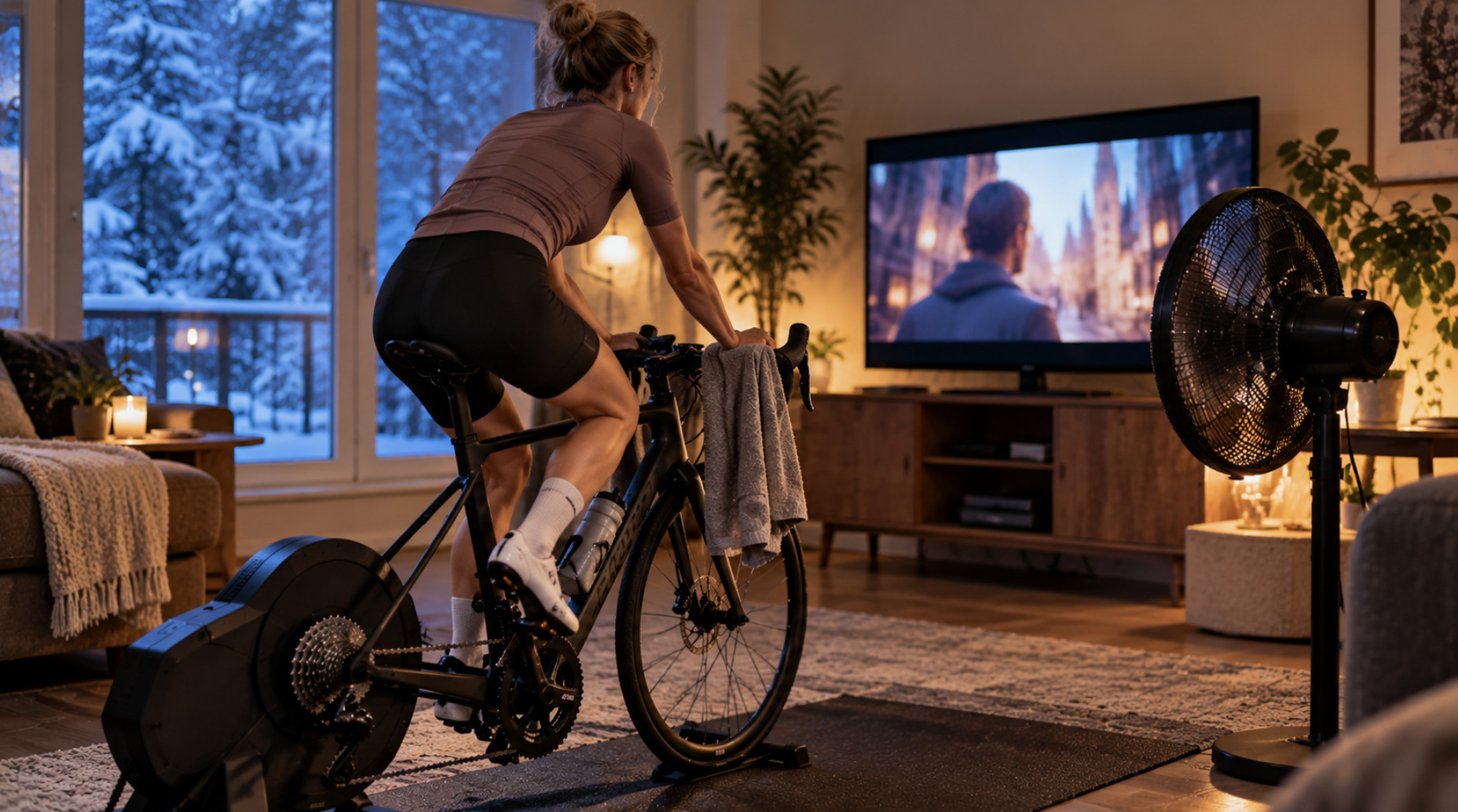
The same logic also applies in reverse: if your trainer is in ERG mode during an endurance ride, the trainer holds the target for you and your attention can drift. In simulation mode, the resistance changes with the virtual terrain, so you need to pay more attention to the ride itself.
All of this applies only to stationary riding indoors. Outdoors, screens should be used only for navigation and alerts, with the bike computer mounted where a glance is enough. Watching video, reading or interacting with a phone while riding on the road is dangerous.
Setting up a practical indoor space
A few things matter more to a good indoor winter than which app you use:
Cooling. Indoors, there is no airflow from movement, so you overheat quickly. A strong fan aimed at your upper body is the single most useful accessory.
Device placement. A tablet or laptop at eye level in front of the bike reduces neck strain on long rides. Phone mounts on the handlebar work for short sessions but are less comfortable for watching content.
Connection reliability. Keep the device controlling the trainer reasonably close to it. If you use ANT+ on a computer, a USB extension cable can bring the dongle closer to the trainer and reduce dropouts.
Sweat protection. A towel or sweat guard over the top tube and headset protects the bike from corrosion. Sweat is salty and can damage components over a winter of use.
Calibration. Some trainers need a periodic calibration, often called a spin-down, for accurate power readings. Many current direct-drive trainers calibrate automatically. Check the manufacturer's recommendation.
When a subscription is worth it
A paid platform is likely worth the money if you:
train for racing or specific events and want adaptive, structured plans,
are motivated by riding with others in real time, or by racing indoors,
ride indoors several times a week through the whole winter and want variety,
prefer filmed real-world routes to animated virtual worlds.
You can probably manage without one if you:
mainly ride steady endurance sessions and are happy to watch your own entertainment,
already own a GPS computer that can run structured workouts on the trainer,
are content with a free virtual platform,
ride indoors only occasionally, on days when the weather rules out riding outside.
Many riders find a middle ground: a free setup most of the winter, and a month or two of a paid subscription during the most intense training block before spring.
What to watch toward 2027
The indoor cycling market has changed noticeably over the past year. Zwift's acquisition of Rouvy brings two of the largest paid platforms under one owner, although both have said they will keep separate products for now. Free platforms continue to raise the baseline of what riders can get without paying, and virtual shifting is spreading across more trainers and controllers.
For buyers, the practical lesson holds regardless: choose a trainer with broad, standard connectivity (Bluetooth FTMS and ANT+ FE-C), so you are not tied to any one app's future. Treat software subscriptions as something to add when they offer clear value, not as a requirement for using the trainer.

Daniel Hughes
Sustainability & Policy Correspondent
Daniel is interested in how environmental policy translates into real urban change. He specializes in sustainable mobility, climate-focused city planning, and the political frameworks behind transport systems. His writing brings together data, policy analysis, and on-the-ground impact, offering a clear view of how sustainability initiatives affect everyday urban life.
Advertise With Toronto Union 24
Reach over 500,000 engaged Canadian readers monthly. Premium placements available for Q2 2026.
Learn More